
Free invoice generator
How to create an invoice
Add your details
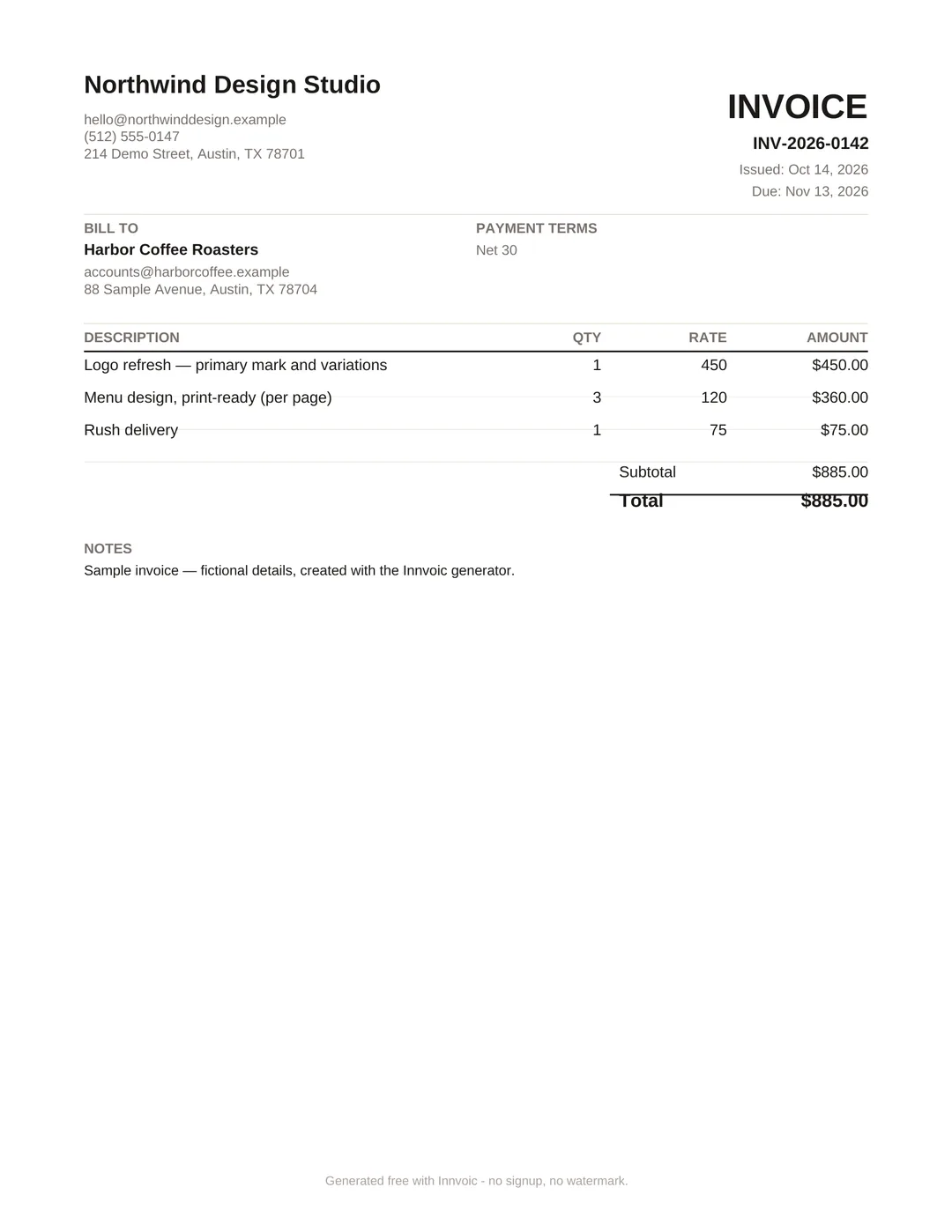
Enter your business name, your client’s details, and an invoice number. Clients save on your device for next time.
Add line items, tax & currency
List what you’re billing with quantity and rate. Pick a currency, add tax or discount — totals calculate automatically.
Download the PDF
Click Download PDF for a clean, print-ready invoice to send to your client. No account, no email gate, no watermark.
How the math works
Every line calculates in this order: Per-line discount reduces that line’s tax; an invoice-level discount is currently applied after tax.
Worked example (USD):
- Line 1: 2 hours × $100 = $200.00 gross, minus 10% discount ($20.00) = $180.00 net, plus 8% tax ($14.40) = $194.40
- Line 2: 1 × $50.00 = $50.00
- Subtotal: $230.00. Grand total: $244.40
We ran these exact numbers through the tool to confirm the output matches.
Is this invoice generator really free?
Yes. Every feature is free — no trials, no “Pro” upsells, no watermark on your PDF.
Do I need to create an account?
No. There is no signup, no login, and no email required. Open the page and start invoicing.
Is my data private?
Yes. The tool runs entirely in your browser. Your invoices and client list are stored on your own device — nothing is sent to any server.
How do I download my invoice as a PDF?
A: Click Download PDF and your invoice downloads directly as a PDF with selectable text. The preview is exactly what downloads. If the direct download is not available, your browser’s print dialog opens as a fallback. That is also how the tool stays private: no server ever touches your invoice.
Can I save invoices and reuse client details?
Yes. Your client database and invoice history (draft, sent, paid, overdue) save automatically on your device, so you never retype the same client twice.
Which currencies and payment methods are supported?
35 currencies with correct formatting, and payment QR codes in the on-screen preview for Venmo, Cash App, and PayPal; bank details are shown as text on the downloaded invoice, not as a QR code. Zelle shows as a plain text line, since Zelle has no public payment link. International options like UPI are available too.
What about late payments?
Every invoice can carry an automatic late-fee clause, and the built-in reminder templates (gentle to firm to final notice) open pre-filled in your email app.
Can this replace my accounting software?
No — and it doesn’t try to. innvoic is the fastest way to create, send, and track invoices. For bookkeeping, taxes, and payroll, use proper accounting software.
More questions? See the full frequently asked questions page.
Why no signup is the whole point
An invoice is a document you create. It is not a service you subscribe to. Yet most “free” generators ask for your email and a password before they show you a blank form, then use that account to upsell you or add you to a mailing list. Skip the account and the whole thing gets simpler: you type, the preview updates live, you download the PDF. Invoice numbers increment on their own, clients save for next time, drafts autosave. Nothing is uploaded, and there is no account to delete later if you stop using it.
No account also means no database of your clients on somebody else’s server. Every invoice, every saved client, every setting lives in local storage on your device. The PDF is generated locally in your browser. One honest trade-off: your saved invoices live in the browser you used, so they won’t follow you to another device.
Invoicing facts worth knowing
Late payment is the norm, not the exception, for American small businesses. Intuit QuickBooks’ 2026 late-payments report found 59% of US small businesses had invoices overdue by 30+ days — up from 47% a year earlier — and businesses with unpaid invoices are owed about $17,700 on average. The pain lands on owners first: a February 2026 Bluevine survey of 1,052 US small business owners found 29% had delayed their own paycheck because customers paid late, and 17% had missed or nearly missed payroll. Xero’s Small Business Insights (June 2026 quarter) put the average wait at 29.3 days to be paid — 8.5 days past due.
And most businesses never fight back on paper. The same Bluevine survey found only 19% of US small businesses charge late fees on overdue invoices — which is exactly why putting payment terms and a late-fee clause on every invoice matters before the work starts, not after it goes unpaid.
When to use an invoice (and when to use something else)
Use an invoice when the work is done or the goods are delivered and you need payment. The invoice tells your client exactly what they owe, when it’s due, and how to pay. If you’re still negotiating the price or scope, send a quote first — a quote is your offer, an invoice is your bill.
For jobs where the final cost isn’t fixed yet (common in trades and creative work), an estimate gives your client a realistic price range before you start. Once they approve, convert it to an invoice with the actual amounts.
After your client pays, send a receipt as proof of payment. And if you need to reduce what a client owes — for a return, a discount, or a billing correction — issue a credit note instead of editing the original invoice.
Not sure which document you need? Our guides walk through real scenarios: how to create an invoice step by step, invoice vs quote vs estimate explained, and payment terms that get you paid faster.
Last checked: October 2026. By Innvoic.